A little more life. A lot more music.

Good music.
Right at home.

Your favorite stations, the day’s forecast, and a little of what’s happening. A home for radio on the devices you already love.

iPad app in development · Squeezebox toolkit under review

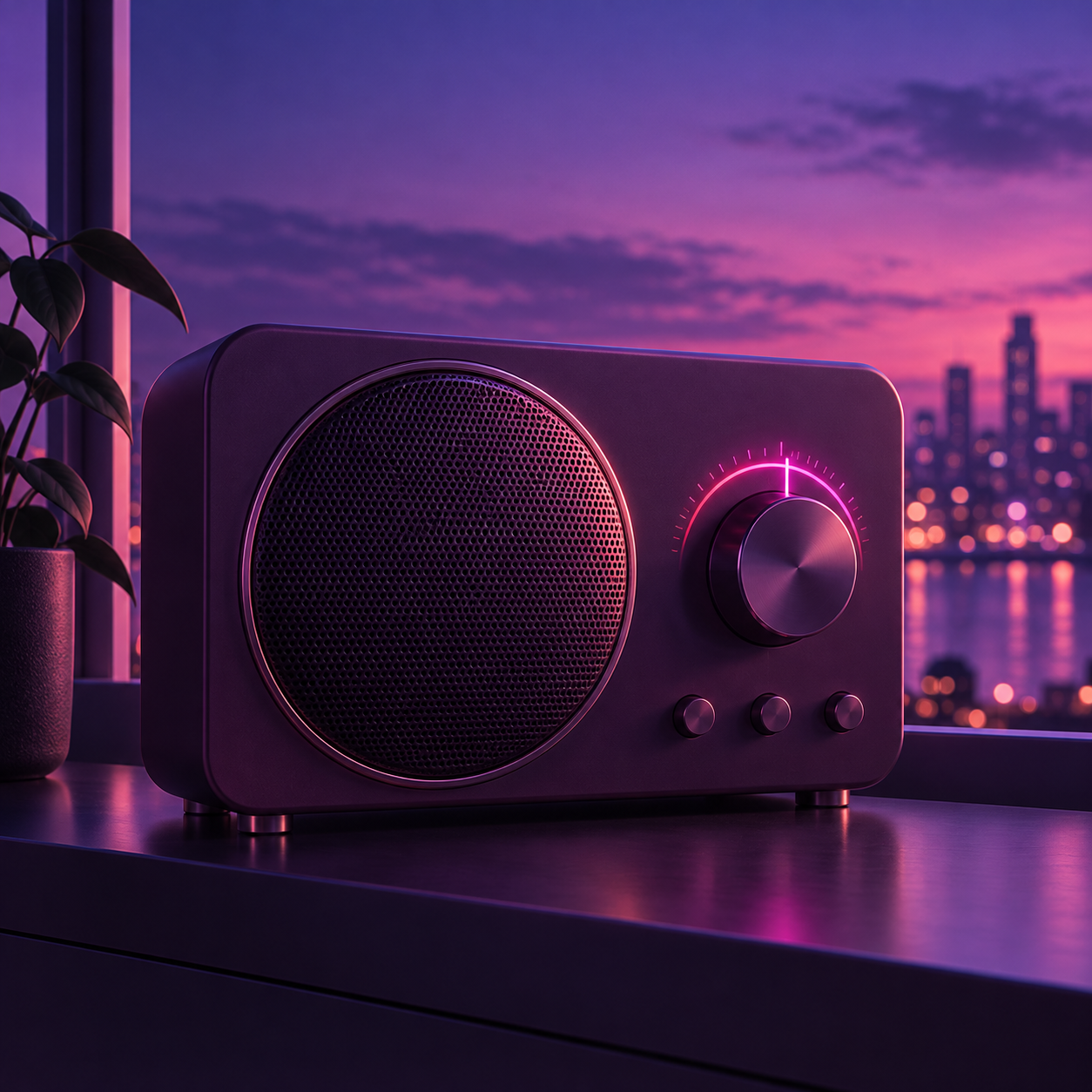
Purple radio illustration beside a window at dusk
Find your everyday soundtrack.From the kitchen counter to your favorite corner.
Radio first. Explore Squeeze Picks.Made for home. A useful glance at your day.Keep it playing. Give good hardware another chapter.

The iPad dashboard

A place for the day
to come together.

Put that older iPad back to work. Music up front, useful details close by, and a screen that stays awake while the dashboard is open.

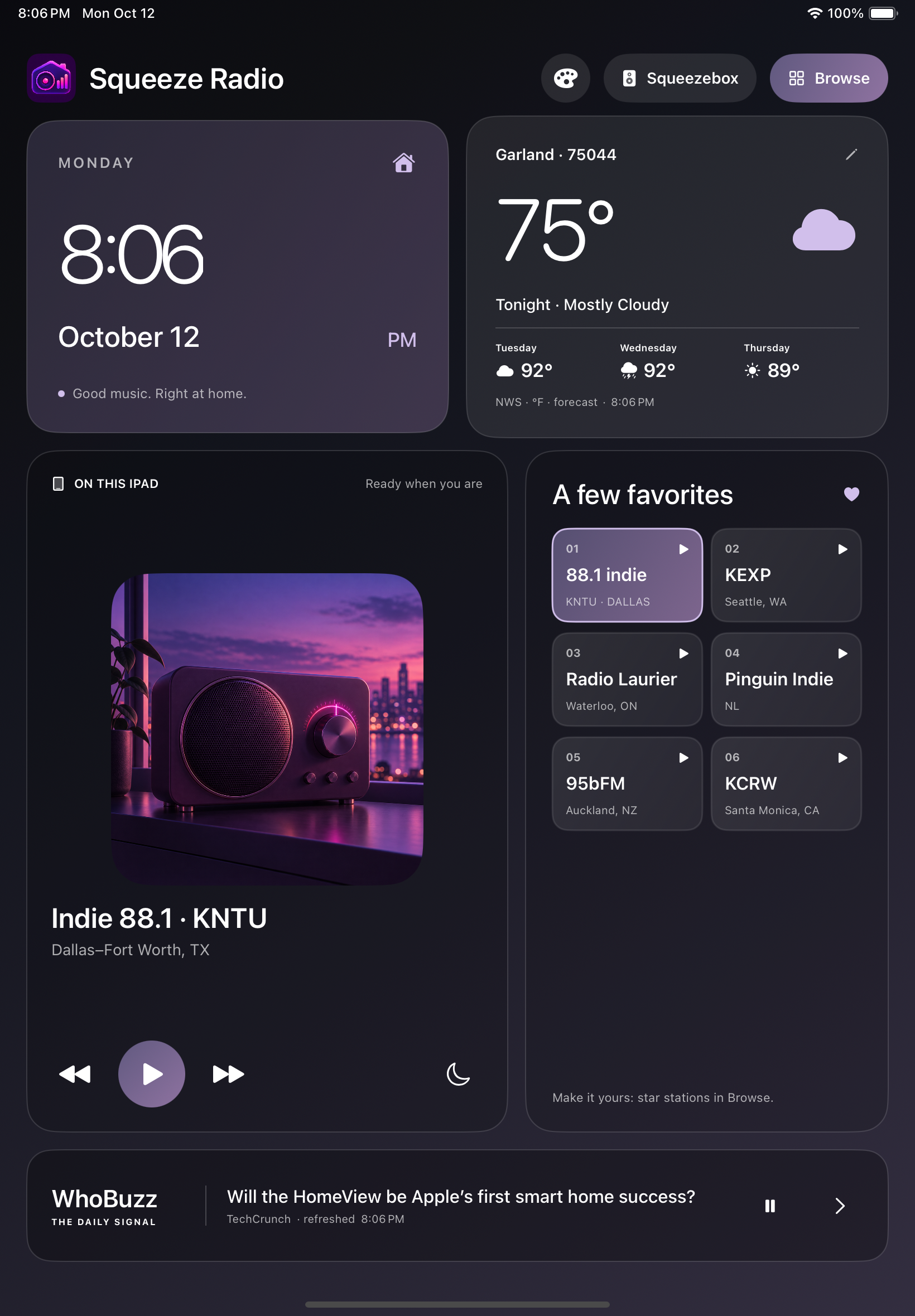
Squeeze Radio iPad dashboard showing a large clock, Garland forecast, radio artwork, six presets and WhoBuzz headlines

Actual development preview · Charcoal theme

NATIVE APP · IN DEVELOPMENT
01

Make room for your favorites.

Internet radio, album artwork when available, and six quick presets. Press and hold a preset to save the station you’re listening to.

02

The day, at a glance.

A prominent clock, an editable US ZIP forecast, and headlines from WhoBuzz. Easy to check from across the counter.

03

Set the mood.

Purple Glow, Midnight Blue or Charcoal. Rich color, dark surfaces and straightforward controls in portrait or landscape.

04

Two ways to listen.

Play through the iPad itself, or control a compatible Squeezebox on your home network. Each player has its own playback controls.

Tested on an iPad 5th generation with iPadOS 16.7.16. Public App Store and TestFlight downloads are not available yet.

For the original Squeezebox Radio

Still a great radio.
Ready for more.

Bring a working Squeezebox Radio into a standalone listening setup, with a curated station menu, weather and local remote control. The new SqueezeRadio display adds song artwork, scrolling text, an AM/PM clock and battery/Wi-Fi status, with Purple Glow, Graphite Gray, Mint, Rose and Lavender themes. Our replacement player, HTTPS transport and clock service now run on the development radio. The old StandaloneRadio, HTTPSProxy and StandaloneTime applets are removed; firmware decoding and licensed libraries remain.

Technical preview for experienced owners.
Tested baseline: Squeezebox Radio / baby, stock firmware 7.7.3 r16676. Development installation requires root SSH and a locally built runtime. Public downloads are paused; the complete package still needs a clean-device install test.
Squeezebox toolkit: provided “AS IS”, without warranty.
Installation and use are at your own risk. Back up your radio first. Read the warranty and liability notice.
A fresh display for a familiar radio.
Explore themes, charging status and Radio Info. Hold a numbered button to save a station and see its confirmation. Explore the radio display ↗
01 /

Check your radio.

Confirm the model and firmware, then make a private backup before changing anything.

02 /

A replacement playback layer.

Our player and HTTPS transport with certificate verification now run on the development radio. Firmware and libraries retain their own terms; ownership and commercial-use review remain open.

03 /

Make it your own.

On the installed development build, browse stations by country, hold a numbered button to save, and tap it to listen.

04 /

Keep the knowledge with it.

Setup, API, troubleshooting and recovery guides live alongside the source. Public downloads are paused while we review third-party licensing.

Read the toolkit status ↗

Built for a real kitchen

It started with
a favorite station.

An older iPad. A Squeezebox worth keeping. And a wife whose first choice is Dallas–Fort Worth’s Indie 88.1 KNTU. Squeeze Radio began as a way to bring those things together: a little music, a useful forecast, and something lovely to leave on the counter.

A few things to know

Before you tune in.

Can I download the iPad app today?

Not yet. The native app is running on development devices, but there is no public App Store or TestFlight release. Squeezebox toolkit downloads are currently paused for a licensing review.

Do I need a Squeezebox to use the dashboard?

No. The iPad app plays internet radio directly. Squeezebox control is an additional option for a compatible radio on your home network.

Which Squeezebox models are supported?

The tested baseline is a Squeezebox Radio, hardware family baby, with stock firmware 7.7.3 r16676. Touch, Boom, Receiver and UE Smart Radio firmware are not verified. Start with the compatibility guide.

Does the radio need a computer running all day?

The configured standalone radio plays streams itself. It needs internet access, but the tested setup does not need an always-on computer or LMS server after installation.

Can I save stations with the radio’s buttons?

Yes, on the current development build. Play a station, then hold a numbered button. A three-second “Preset N saved” message shows the station name, with a sound when interface sounds are enabled. Tap that button to listen again. Read the preset instructions.

Can I search for a particular song?

Squeeze Radio browses live radio stations. On the radio, choose Find more stations, then United States or another listed country. Individual-song search and on-demand playback are not included.

What if playback stops?

There is no automatic playback time limit. The development player reconnects if audio progress stalls for more than 20 seconds. After six unsuccessful retries, it keeps trying once a minute until the stream returns or you press Stop. Read troubleshooting.

How do I restore KNTU on the iPad?

Beside A few favorites, open Preset options (the ellipsis), then choose Restore KNTU to preset 1. This restores only that iPad slot. Discover defaults to USA, and iPad favorites are separate from the radio’s physical buttons.

Is the toolkit free?

Public toolkit distribution is paused while we review historical third-party licensing. The MIT license covers our original toolkit contributions; firmware, libraries and external content retain their own terms. The complete provenance and commercial-use review has not passed. The proprietary iPad app’s release and pricing have not been announced.

What should I know about the network setup?

The original transport verifies HTTPS certificates and hostnames. Remote control uses authenticated local HTTP, and plain HTTP stations remain unencrypted. Keep the radio on trusted home Wi-Fi and read the network notes before installing.
Let’s keep good radios playing.

Start with the guide. Bring your own favorite station.

Open the field guide